Elliott Waver ATM
An automated wave overlay that maps motive and corrective sequences, highlights retracement zones, and helps frame pullbacks and invalidation.

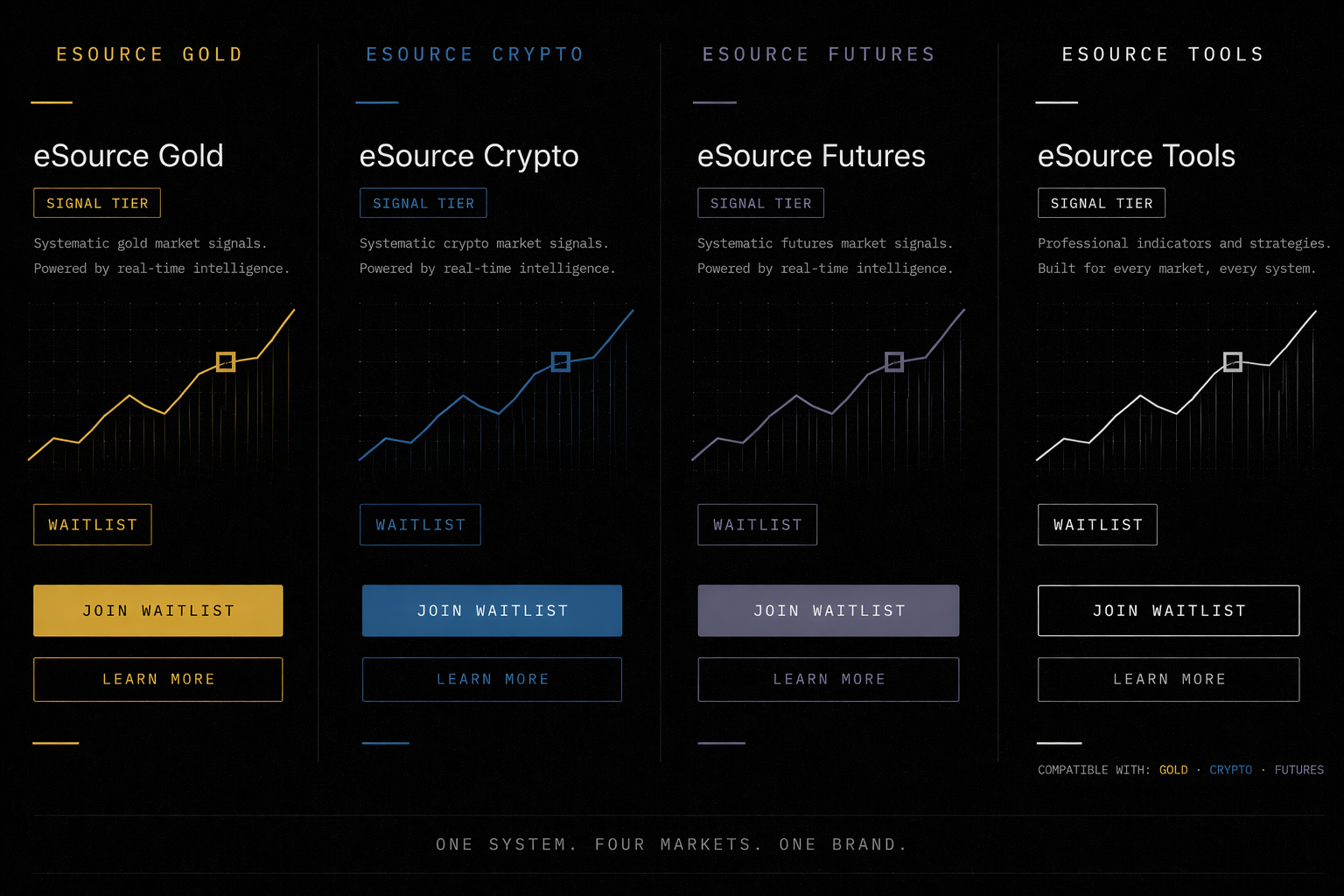
eSource Tools
The eSource Tools suite brings together proprietary indicators and strategy overlays for trend legs, pullbacks, breakouts, session sweeps, confirmation, and trade planning.

Indicator suite
An automated wave overlay that maps motive and corrective sequences, highlights retracement zones, and helps frame pullbacks and invalidation.
A multi-layer EMA confirmation tool using momentum, trend, volatility, VWAP, and session context to filter weaker entries.
A breakout indicator that identifies low-volatility consolidation zones and highlights expansion once price breaks beyond the active range.
Strategy overlays
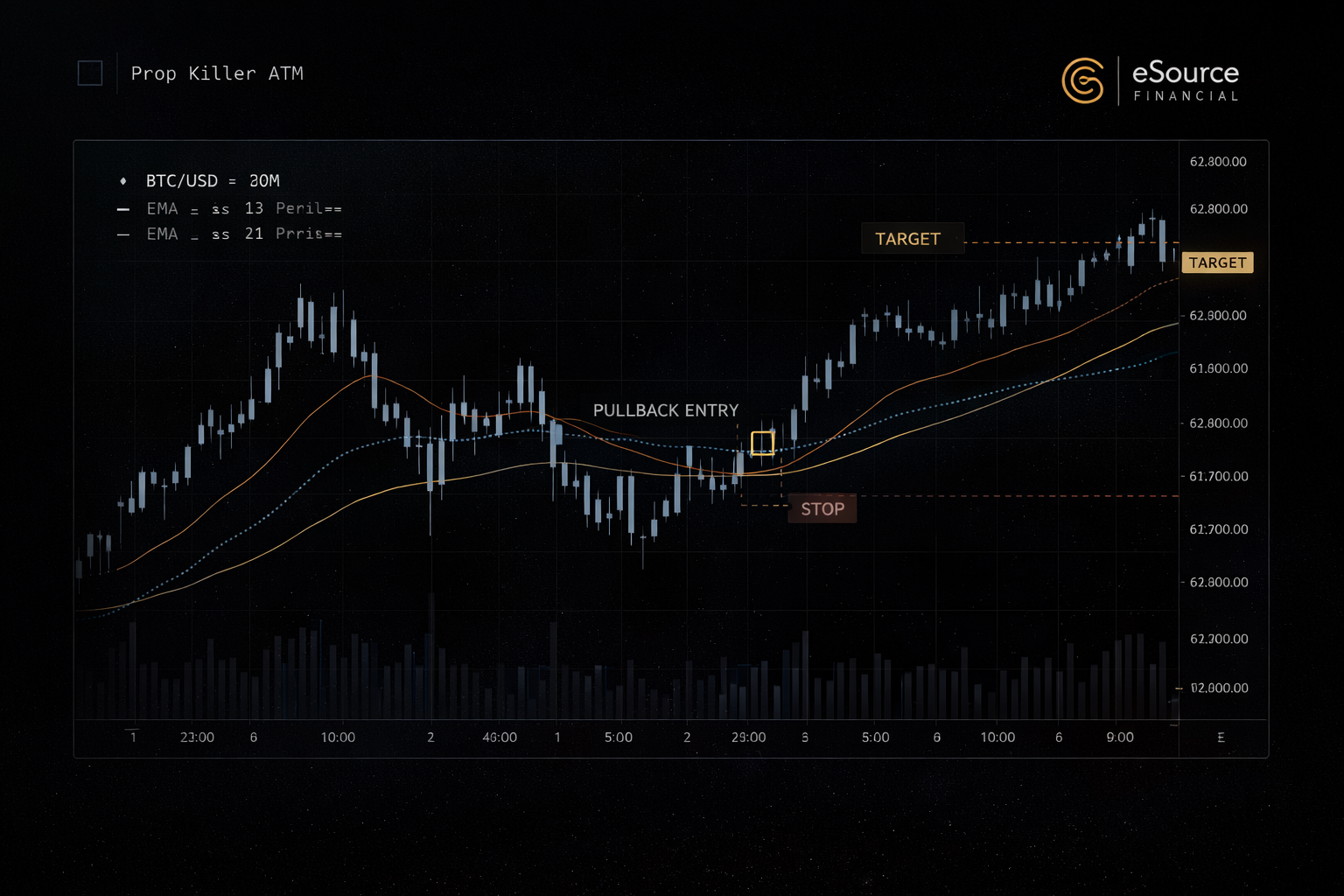
A 9/13/21 EMA pullback strategy with VWAP context, confirmation filters, configurable entries, and built-in trade management for intraday trading.
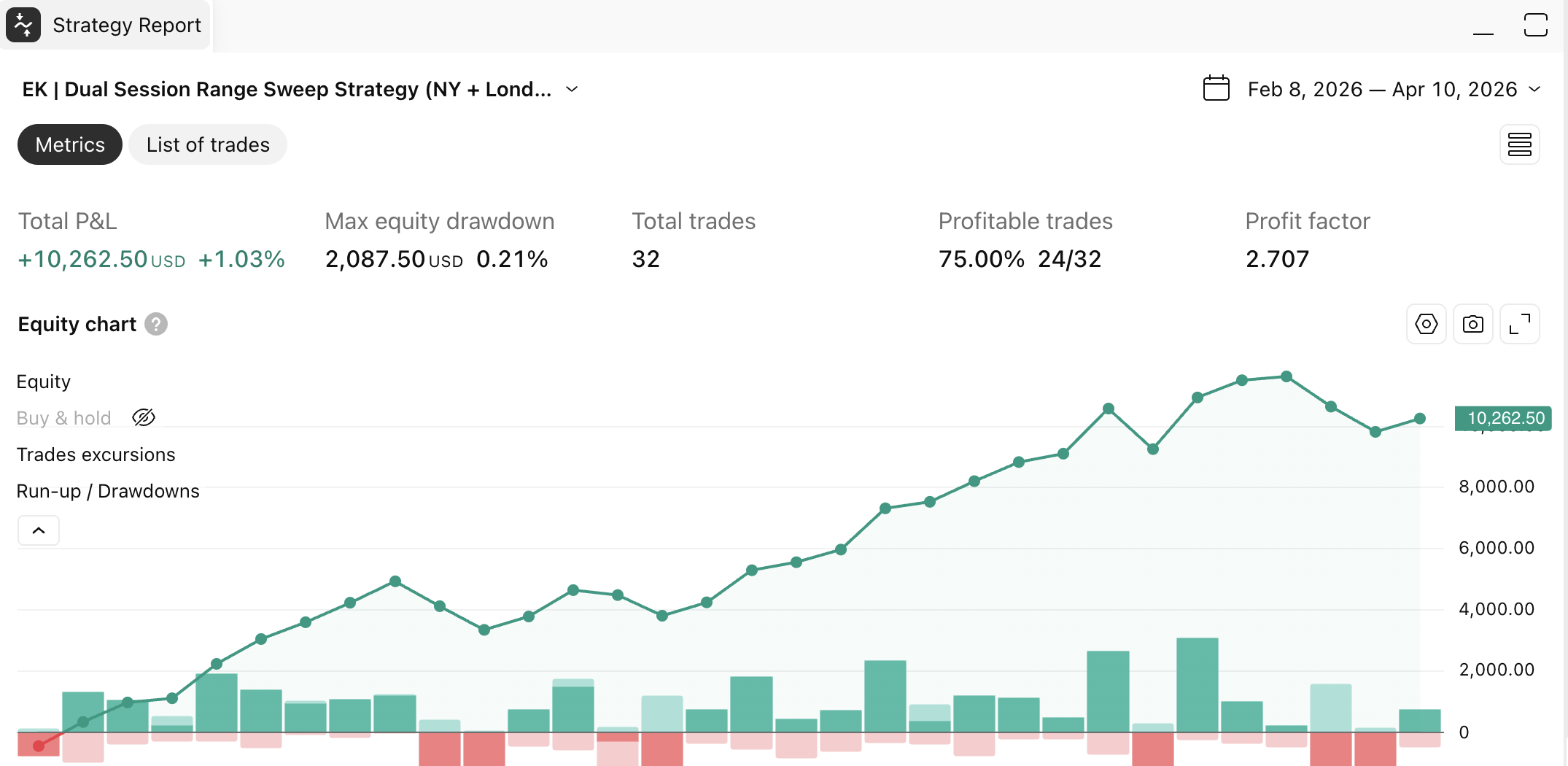
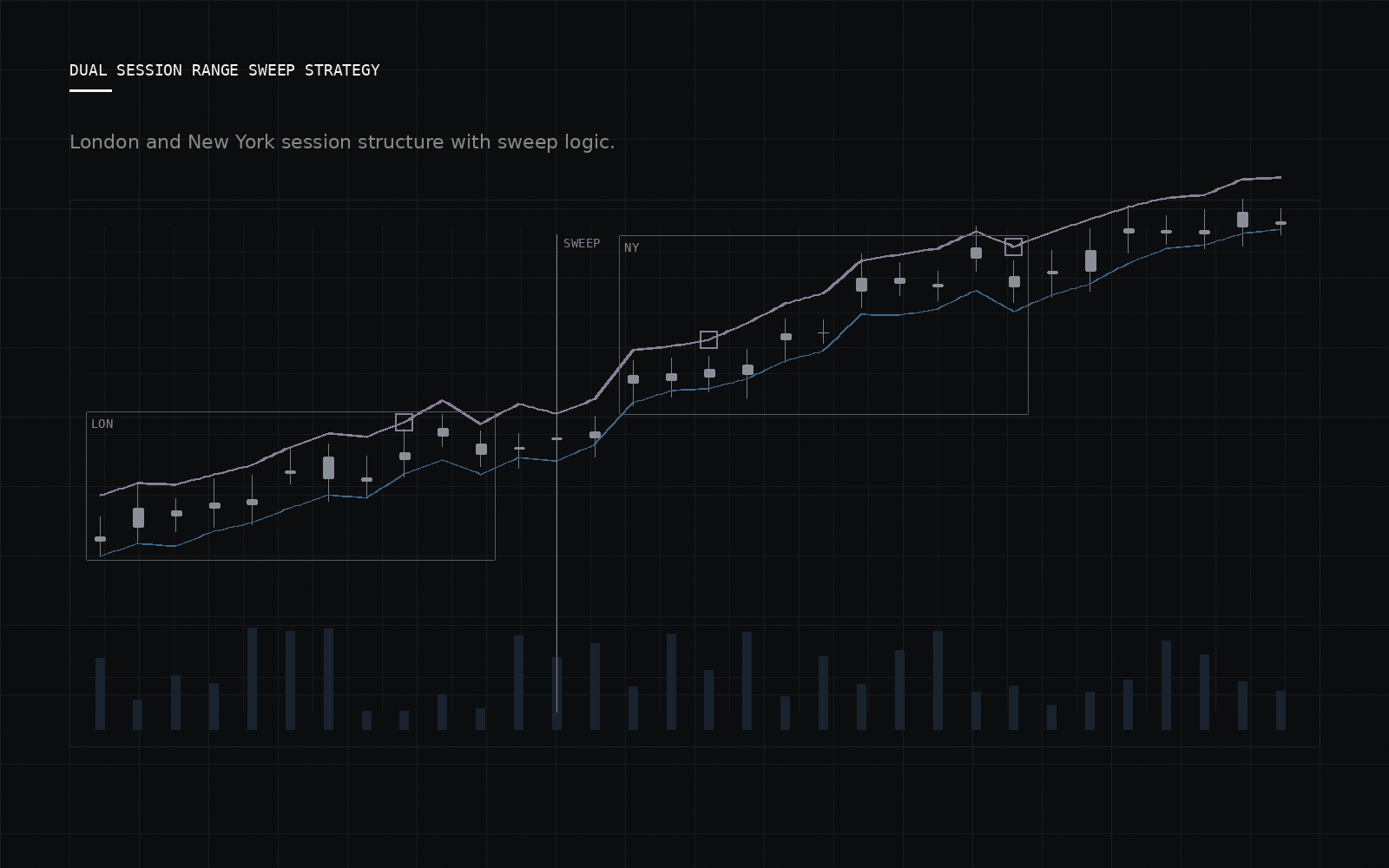
A New York and London session model combining opening-range behavior, liquidity sweeps, confirmation logic, and session-specific management.
A private chart environment where structure, confirmation, session context, and trade planning sit in one workflow instead of scattered indicators.
Featured chart environments
Each featured tool is shown with a polished product view first, followed by real chart screenshots for traders who want to inspect the underlying behavior.
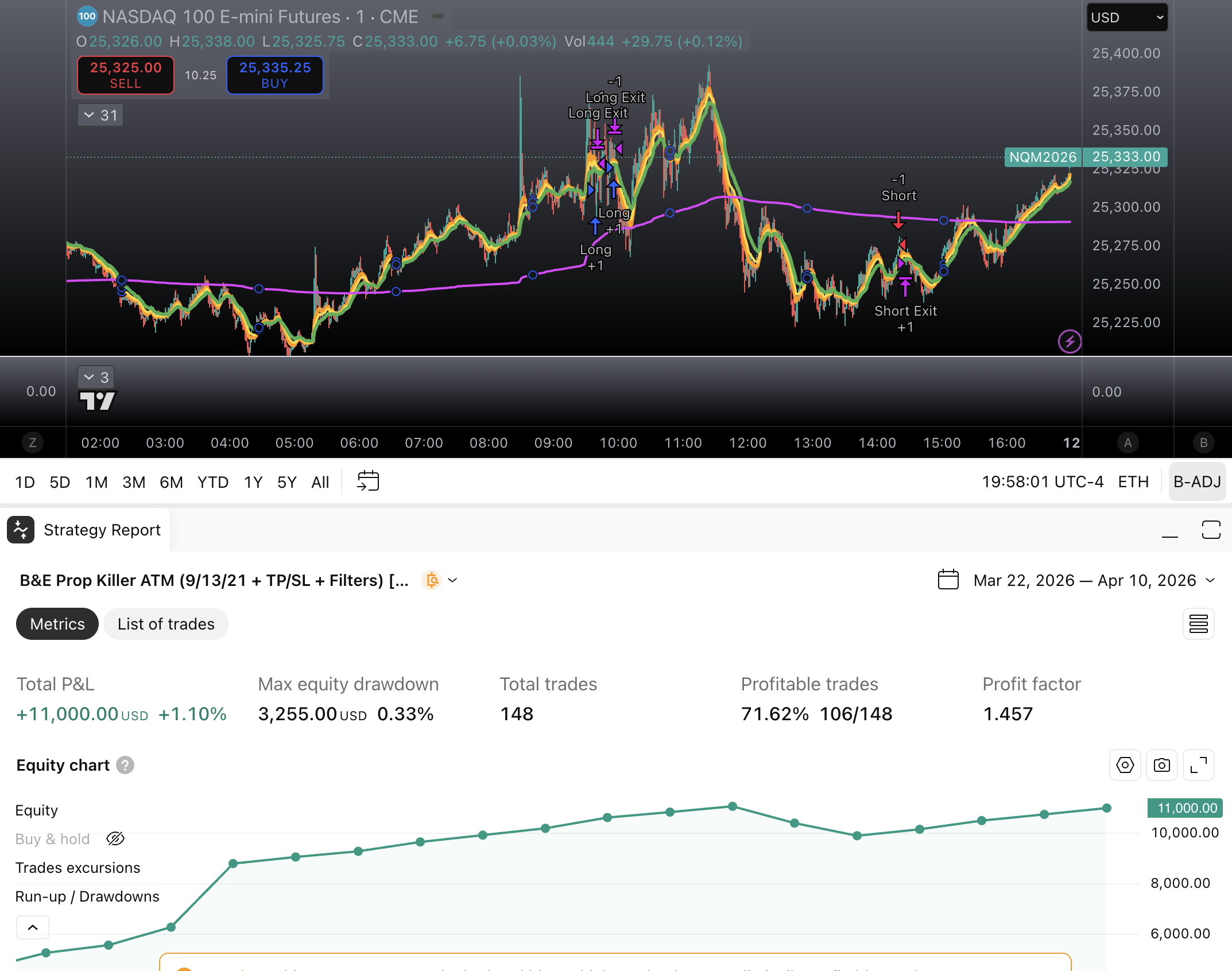
A 9/13/21 EMA pullback model with VWAP context, timing logic, and built-in trade management for intraday setups.
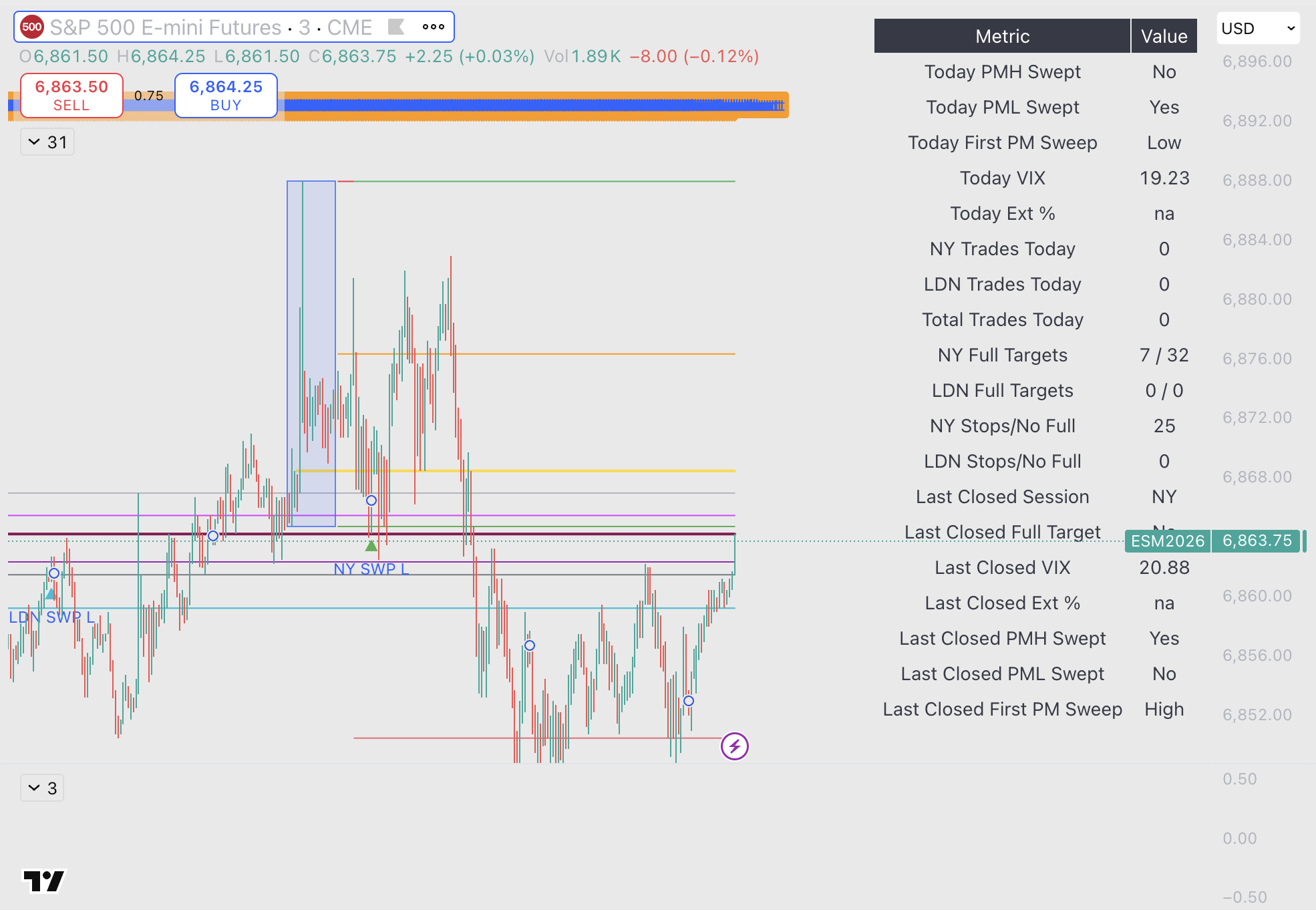
New York and London session logic built around opening ranges, liquidity sweeps, confirmation, and session-specific management.
Momentum pressure framing for isolating outsized directional participation and turning it into a more selective trade workflow.
Chart evidence
Product images create clarity. Real screenshots preserve credibility. Both are kept together so the tools feel premium without losing their trading context.

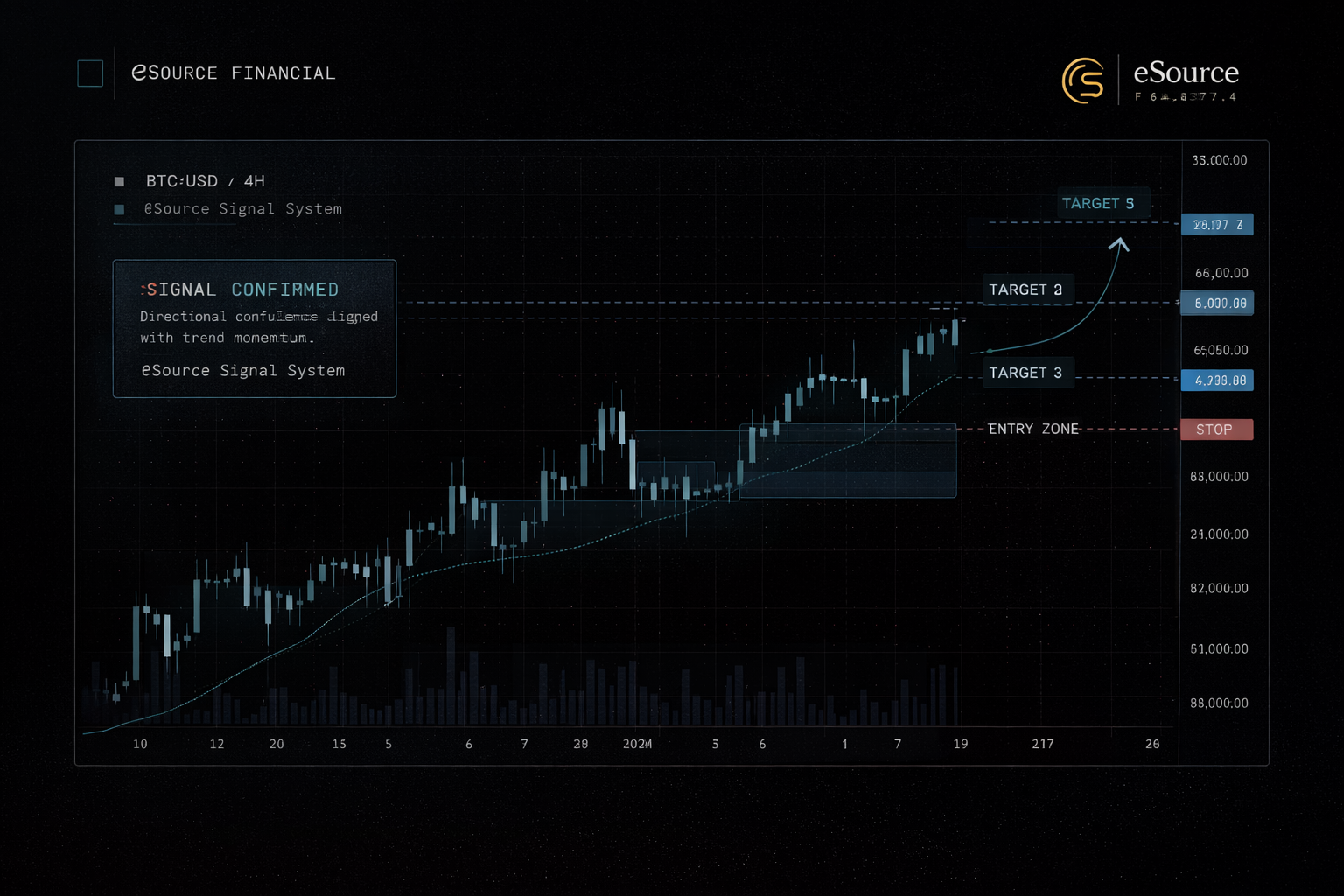
Trend-pullback planning shown through both the lead product view and the live indicator context behind it.
Three views show the lead product surface, the working indicator context, and a deeper technical angle.
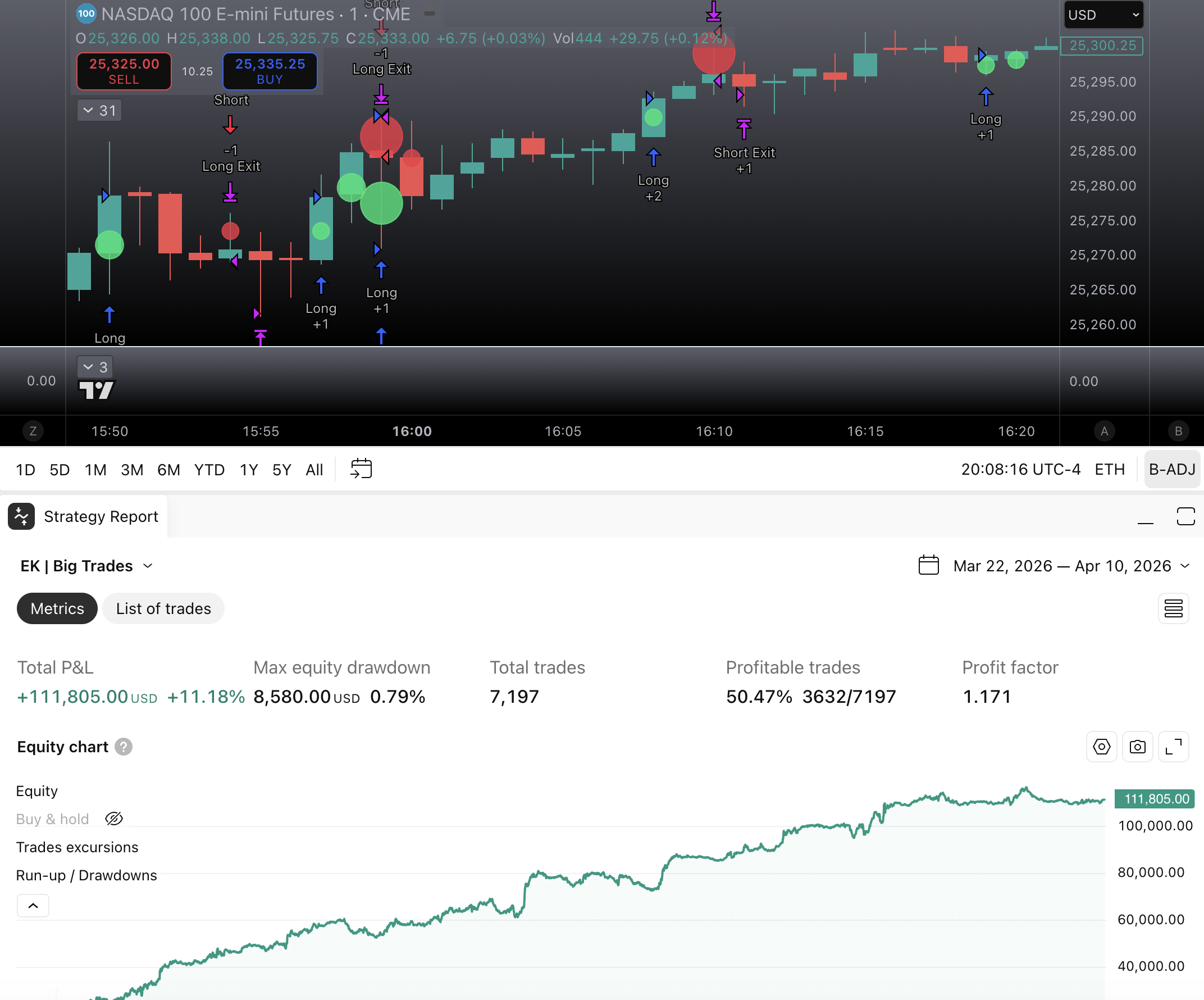
The momentum story keeps a clean front layer while retaining the original chart screenshot for inspection.
Evidence standard
The site can show product screenshots and workflow evidence. Any performance claim needs source, period, assumptions, limitations, and risk context before it is used as marketing.
Evidence should identify where it came from, the date or sample period, and whether it is live, demo, backtest, replay, or illustrative.
Performance language should state whether results are gross or net of fees, spreads, slippage, subscriptions, profit share, broker costs, and exchange costs.
Examples should disclose whether they are selected examples, full-period results, a subset of trades, or screenshots meant only to show tool behavior.
Performance presentation should include drawdown context, position sizing assumptions, leverage assumptions, and material limitations.
No screenshot, signal history, backtest, or user example should imply guaranteed profit, typical results, or suitability for a specific account.
Source files, screenshots, calculation notes, and assumptions should be retained so claims can be substantiated if challenged.
Supporting chart library
These technical views add depth for traders who want to inspect the chart logic more closely.
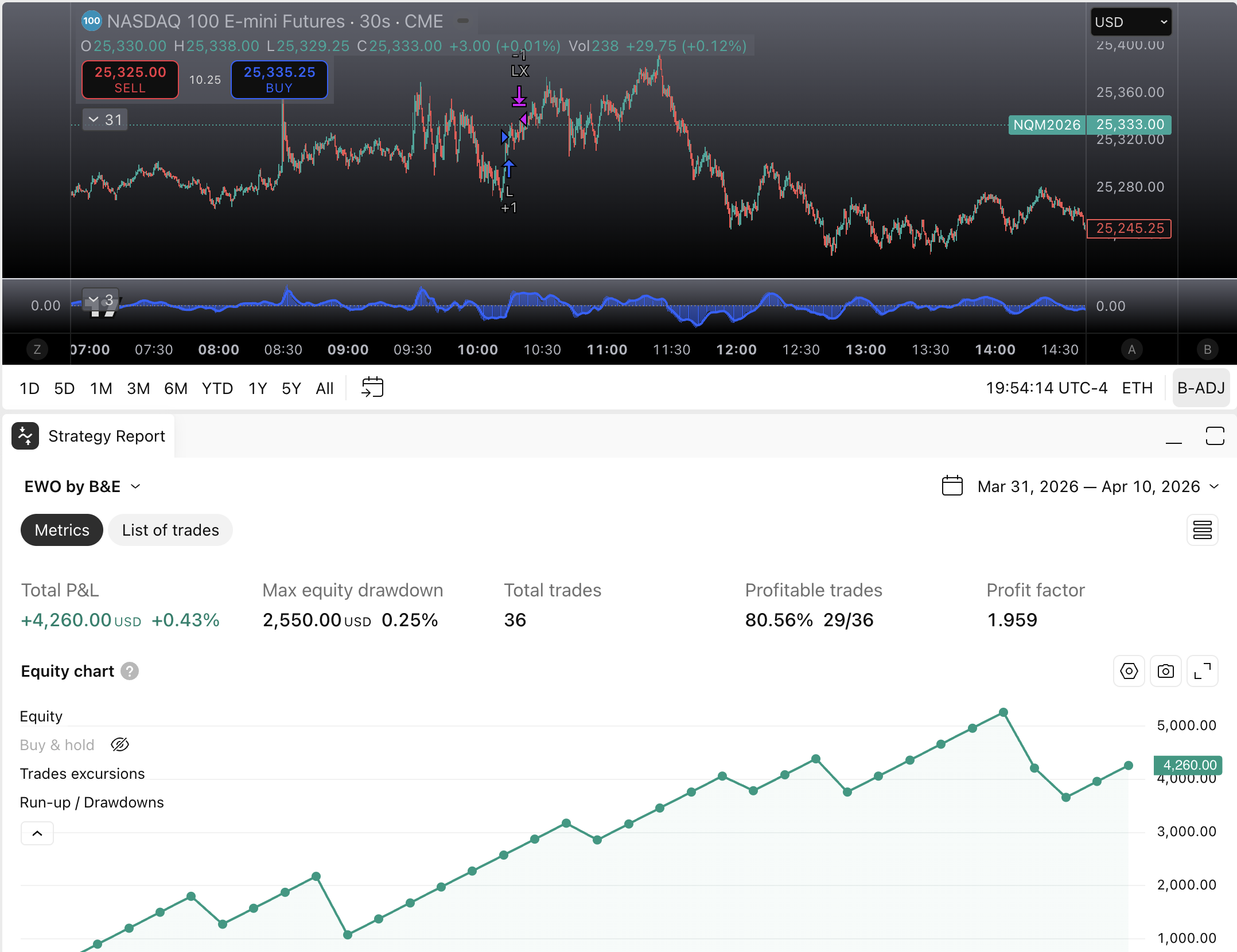
Wave structure, pullback framing, and retracement context shown through the chart environment.
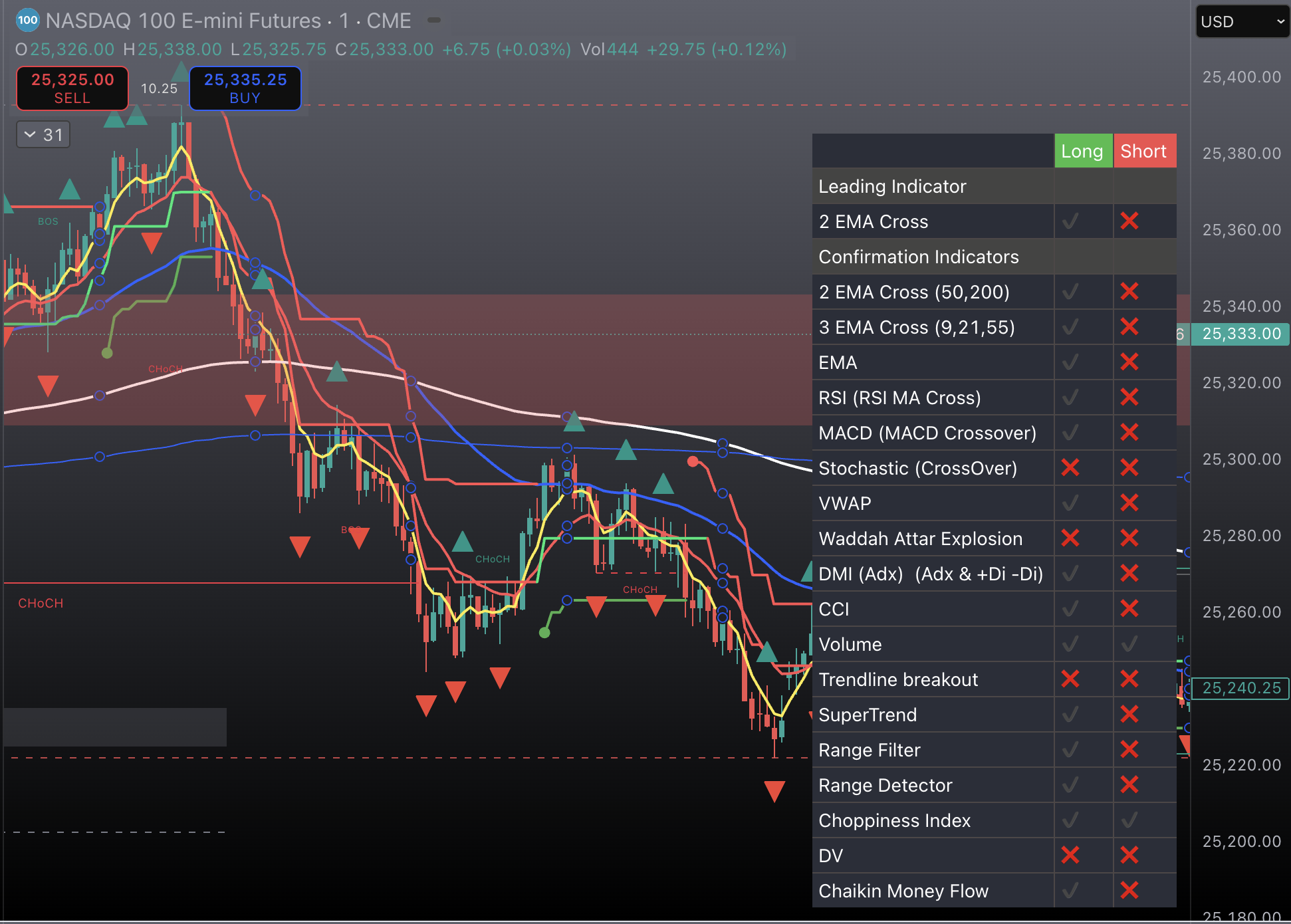
A denser view for traders who want to inspect confirmation layering in the actual chart workspace.
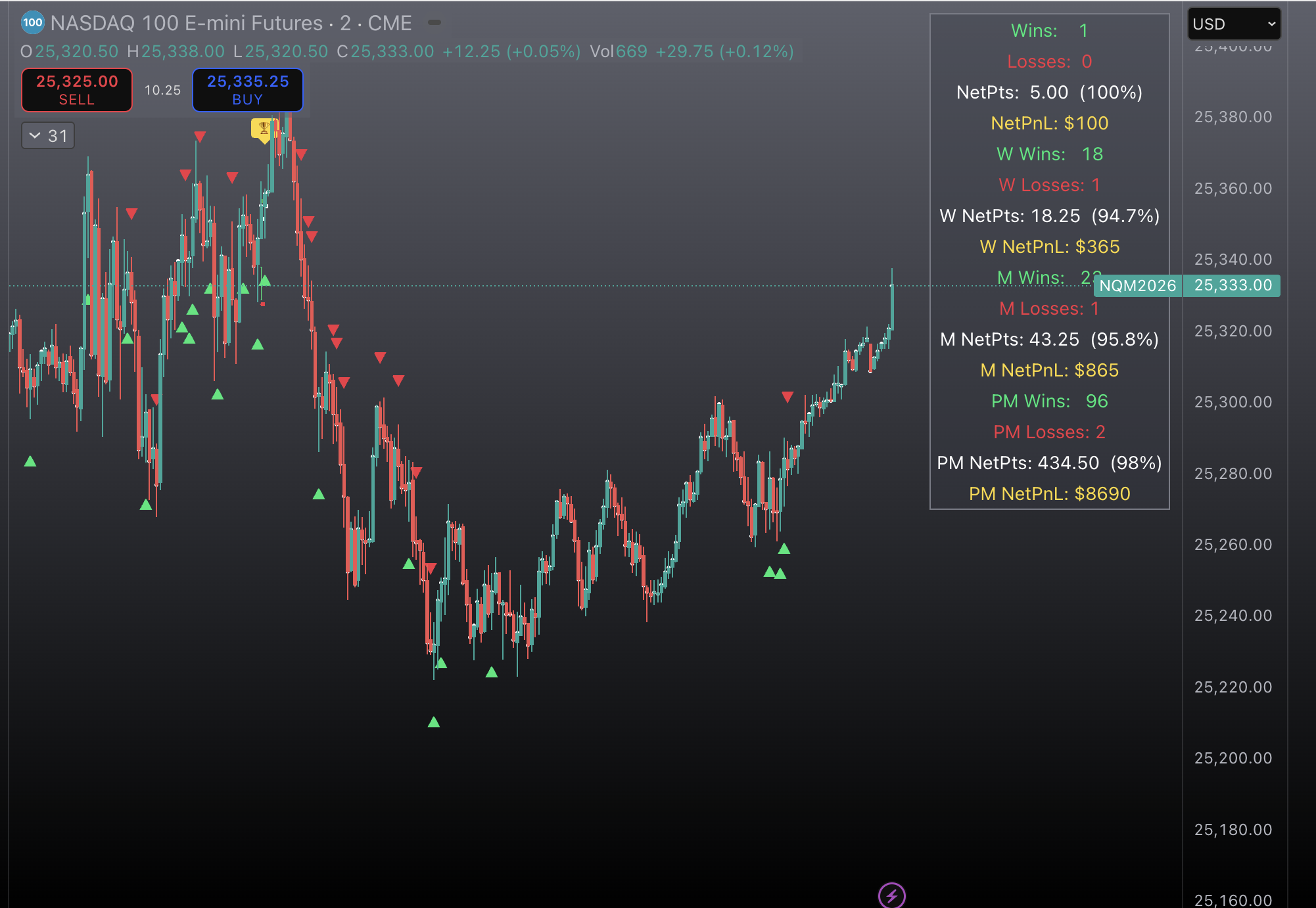
A chart screenshot that adds execution texture and platform credibility inside the broader tools environment.
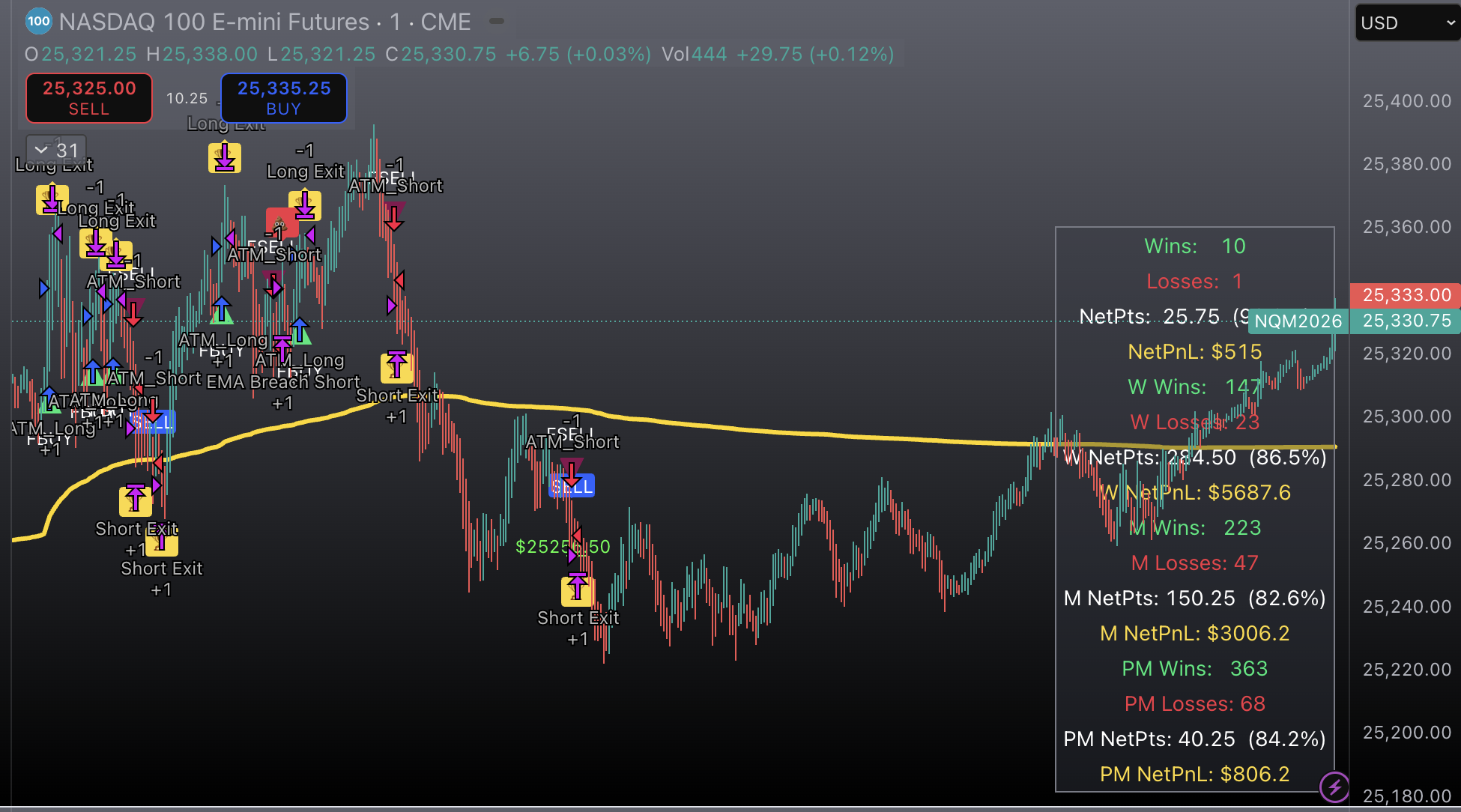
A deeper chart layer for traders who want more context around how the system behaves in-chart.
Use case
The tools layer is for members who want a clearer read on trend legs, pullbacks, breakout conditions, session behavior, and confirmation before the entry.

Tier access
Tools access is reserved for members who want the full signal, copier, and chart-tool workflow.
| Tier | Tools access | Availability |
|---|---|---|
| CORE | Not included | Waitlist |
| SIGNAL | Not included | Waitlist |
| APEX | Included | Priority setup |
Join the waitlist
APEX is designed for members who want the broadest level of access across signals, copier routing, and tools.